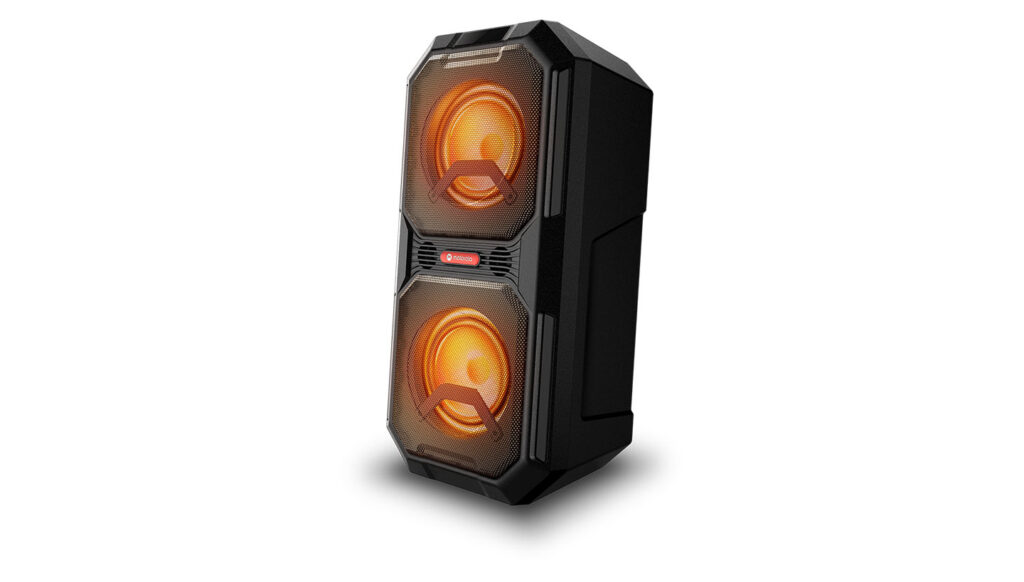
Bluetooth Speaker
ROKR 820
Need more help? Reach your regional support team.
Contact UsDownloads
Frequently Asked Questions
First, try to restart the Bluetooth connection on your source device (Smartphone/tablet/PC) by switching Bluetooth off and on again with a short pause in between.
“Forget” (remove) the previously paired connection (on your smartphone/tablet/PC) in your Bluetooth settings if you had once paired with our product.
Try to restart the source device(Smartphone/tablet/PC) by powering it off and on again, and after restarting try to establish a Bluetooth connection to your product.
If the above does not work, then try to restart your product (Portable speaker, Headphone) by turning it off and on again.
Press and hold down the Bluetooth button on your device (Portable speaker, Headphones) to initiate pairing mode again.
Go into the Bluetooth settings on your Smartphone/tablet or PC to start the pairing process.
You should now have a successful pairing with our device, but if you are still experiencing issues then contact us again.
In most cases when a Computer/PC/Laptop has issues connecting to a Bluetooth device (Portable speaker, Headphones, Active speakers), it’s caused by your Computer/PC/Laptop’s Bluetooth driver (software).
The driver (software) should support the following Bluetooth protocols, to be able to play music/sounds from your Computer/PC/Laptop:
- A2DP (Advanced Audio Distribution Profile) driver for your Computer/PC/Headphones to transfer music.
- AVRCP (Audio/Video Remote Control Profile) driver to send skip/forward/pause/play music to your device.
- Always get the latest driver version available for your Computer/PC/Laptop.
To download the correct driver (software), visit the manufacturer’s website of your Computer/PC/Laptop. They usually have a “Support/Download” section where you can find the correct driver. Otherwise, contact their support.
The standard drivers provided by Microsoft/Windows systems are often not correct, and will result in error messages (such as having to enter a PIN code), or pairing not working.